


Get Started with
CapOut + Xactimate
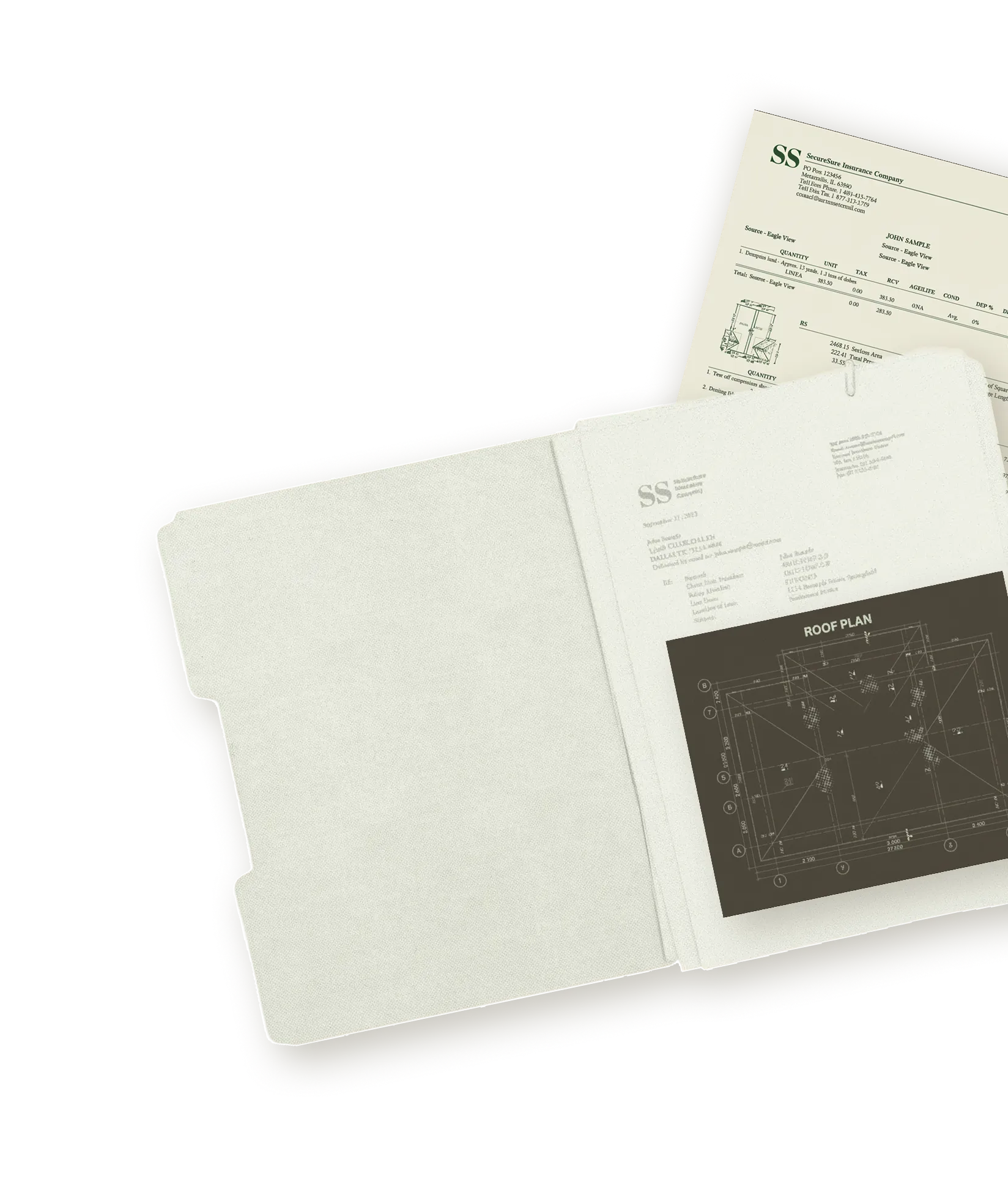
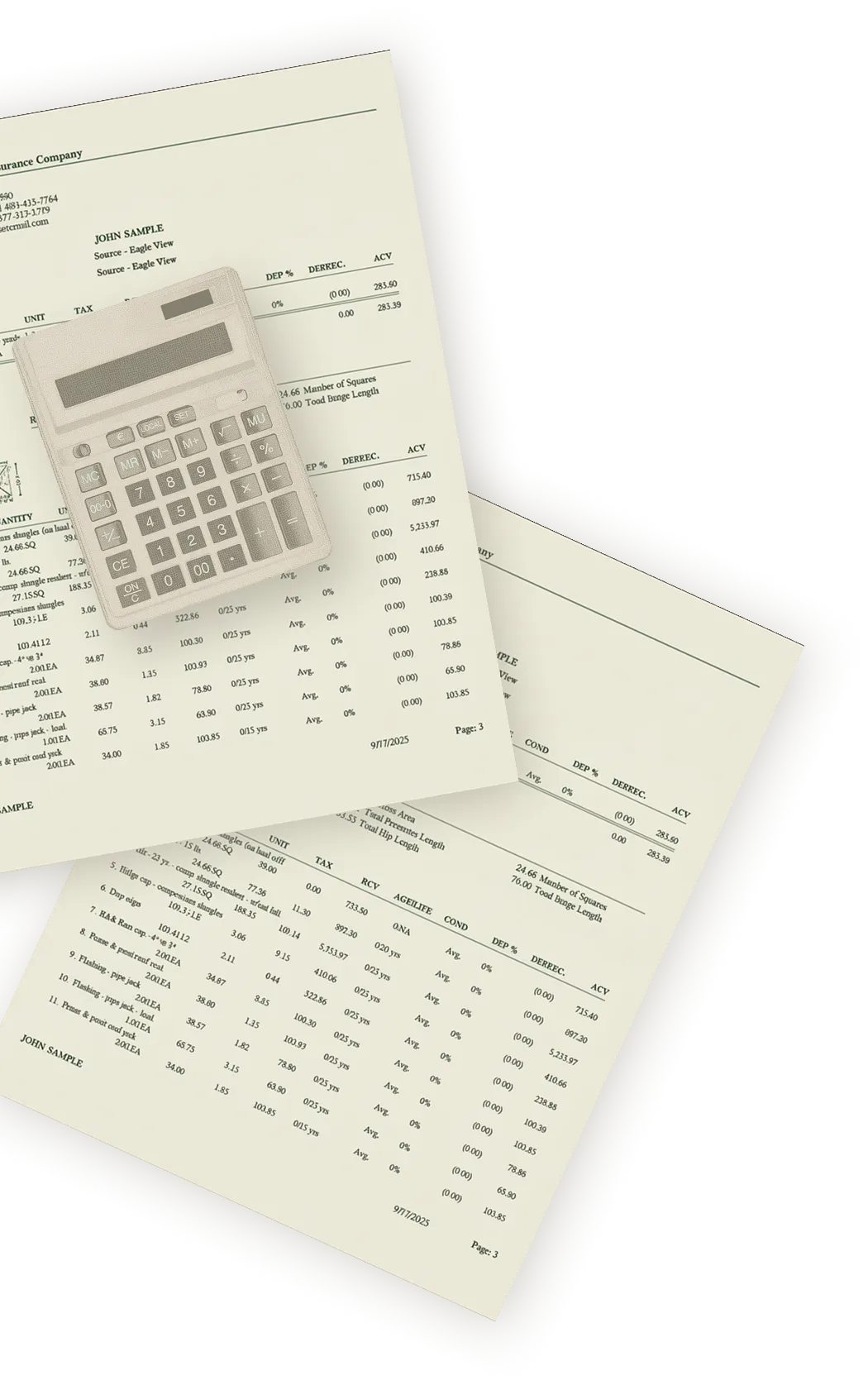
Insurance restoration teams spend hours manually re-keying estimate data from PDFs into Xactimate. CapOut eliminates that step. Upload any insurance scope PDF, and CapOut extracts every line item, builds the estimate, and sends it directly to your Xactimate account.
Compatible with all leading carriers nationwide









What the integration does
CapOut connects directly with Xactimate to remove the manual steps between receiving an insurance scope and working in your estimating software.
Eliminate manual data entry
Upload any insurance scope PDF and CapOut extracts every line item automatically. No re-keying into Xactimate.
Export directly to Xactimate
One click sends the converted estimate directly to your Xactimate account. Edit, supplement, or close from there.
See margins before you commit
Review profit projections before you accept or bid on a job. Pro plan users can apply custom vendor pricing and labor costs for real margin visibility.
Generate production orders instantly
Turn approved scope into supplier and labor orders without rebuilding the project in a second system.
Before you start
Make sure you have the following ready before enabling the integration.
How to set up the integration
Four steps from signup to your first Xactimate export.
Create your CapOut account
Step 1Sign up at capout.ai. The Pay As You Go plan includes your first claim free. No credit card required.
Upload your first PDF
Step 2Drop any insurance scope PDF into CapOut. The system reads the document, extracts line items, and prepares the estimate for review.
Review your extracted scope
Step 3Confirm the extracted data and check profit projections. Add, edit, or delete line items before exporting.
Connect Xactimate and export
Step 4Enter your XactNet address in CapOut settings to link your Xactimate account. Export from CapOut, then open the project in Xactimate, go to the Sketch tab, and import. All folders and line items appear instantly.
Frequently asked questions
Common questions about the CapOut and Xactimate integration.
CapOut accepts insurance scope PDFs from all major carriers. Upload the PDF and CapOut handles extraction and conversion.
CapOut processes scopes in two stages. Parsing and extracting data from the PDF can take anywhere from 45 seconds to about 10 minutes depending on size and complexity. Once the scope is structured, exporting to your Xactimate account takes about 45 seconds. No manual file handling at any stage.
Yes. You need an active Xactimate license (desktop or online) to receive converted estimates from CapOut.
Yes. The Pro plan supports unlimited users and locations. Your estimators, production staff, and reviewers can work from the same account.
CapOut is SOC 2 compliant and built with enterprise-grade security standards. All uploaded documents and job data are encrypted both in transit and at rest. Your data belongs to you.
Reach out to support@capout.ai. The team can walk you through account setup, Xactimate connection, and your first conversion.

Ready to convert
your first PDF?
Upload an insurance scope PDF free. Get a ready-to-import Xactimate estimate in seconds.